
01
Learn from the world around you
Point ArabicLens at the things already in your day. A mug, a lamp, a chair. The vocabulary starts from your own surroundings.
العربيةModern Standard Arabic
Turn everyday objects into Arabic vocabulary. Take a picture, discover the Arabic words around you, save them, and practise until they stick.
iPhone first. Android is coming soon.
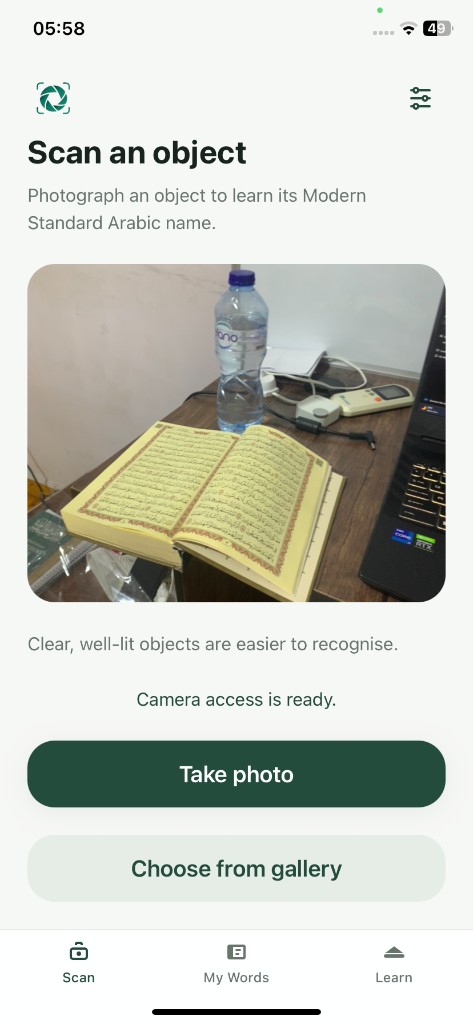
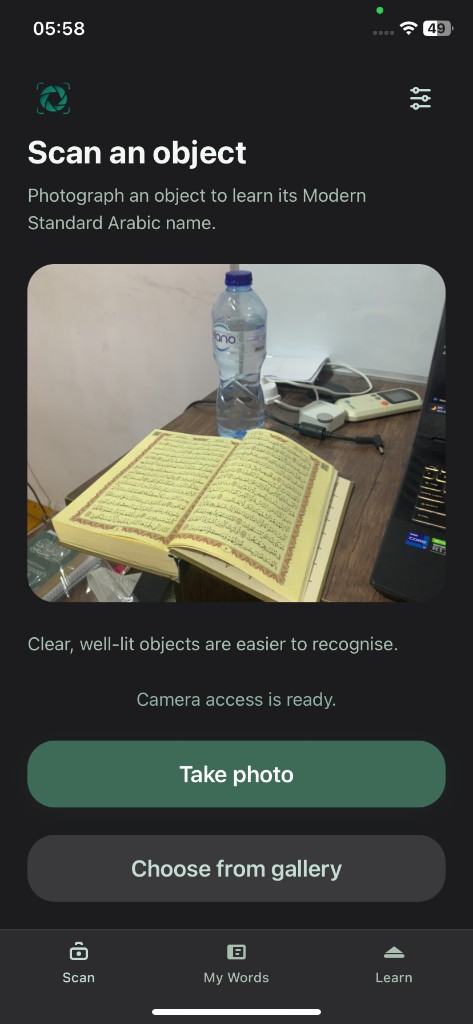
Illustrative examples of everyday words. A real scan uses your photo.
The product
One photograph is enough. ArabicLens looks for the objects in it, names them in English and Arabic, and gives you a way to remember.
01
Take a picture with the camera, or choose one from your photo library. A clear, well-lit object is easiest to recognise.
 DiscoverScreenshot coming soon
02
ArabicLens names the everyday objects it can see. English and Arabic appear on the photo and again in a list below, with a pronunciation guide.
03
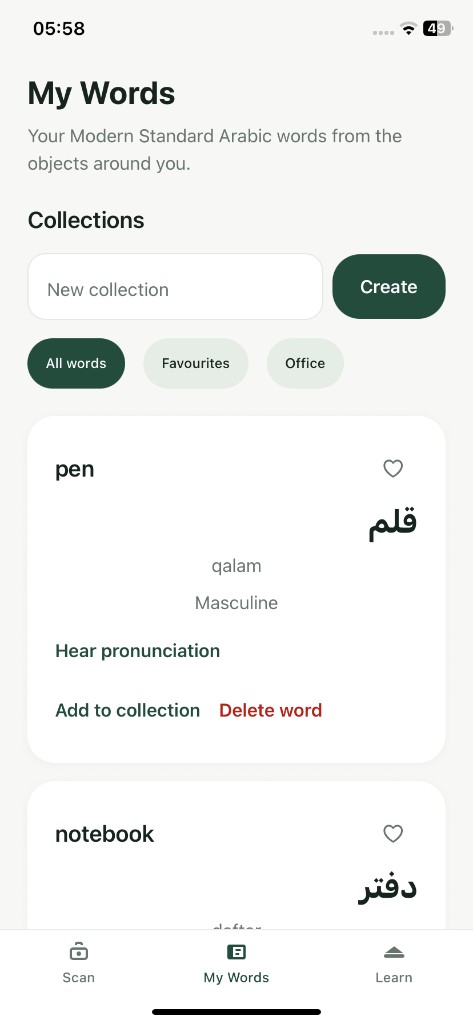
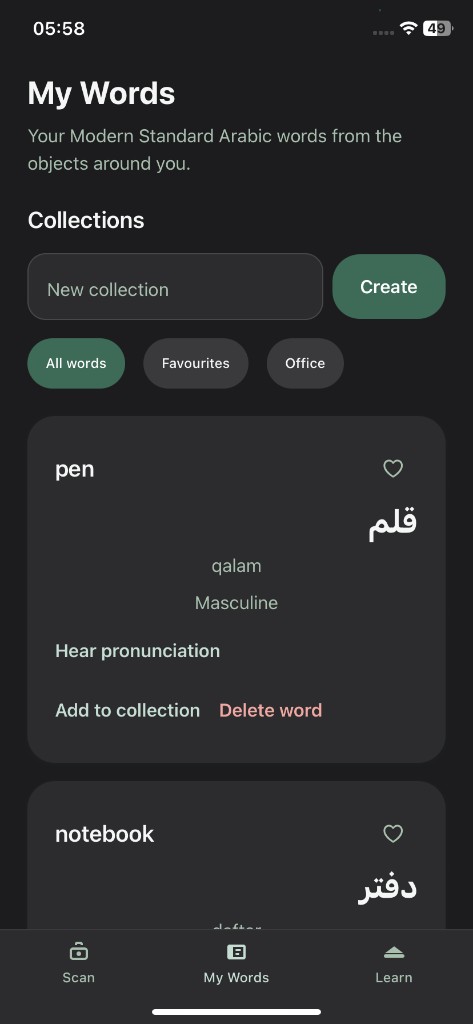
Save a word to My Words. Favourite it, or gather it into a collection you name yourself. Saving uses your ArabicLens account.
04
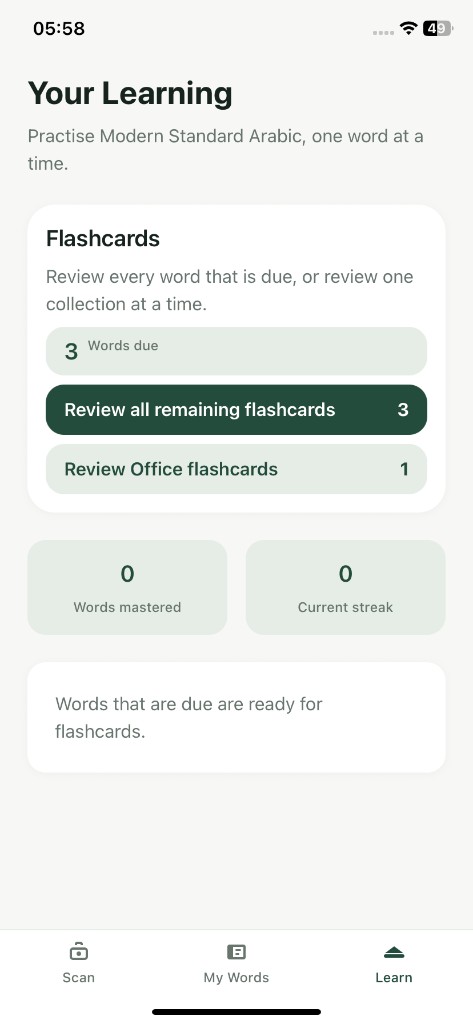
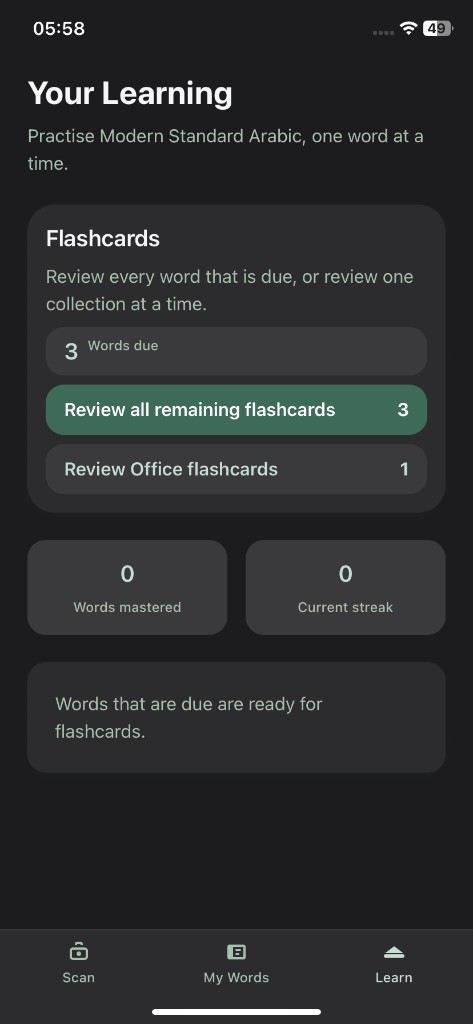
Flashcards bring due words back. Reveal the English meaning, hear the Arabic, and rate how well you remembered it.
Features
01
Point ArabicLens at the things already in your day. A mug, a lamp, a chair. The vocabulary starts from your own surroundings.
02
A photo is read for prominent, distinct objects that are actually visible. Each one is given a simple English name a learner can use.
03
Translations sit on the image, over the object, and in a list underneath. Open a word for its Arabic, transliteration, gender, a short description, and pronunciation.
04
Saved words live in My Words. Keep favourites, create collections, and let the list grow from the rooms and objects that belong to you.
05
Spaced repetition schedules the next review. Rate a flashcard Again, Hard, Good, or Easy. Familiar words wait longer. A streak marks the days you practise, and words held across a long gap can be marked mastered.
How it works
Photograph what is in front of you. Read the Arabic. Keep the words that you want to remember.
1
Take a picture of the world around you.
2
See objects identified and translated into Arabic and English.
3
Save new words and practise them with spaced repetition.
Why it feels different
The words worth knowing are already in the room. ArabicLens is for anyone learning Arabic, and it is especially natural for Muslims who want the language closer to ordinary life. The Arabic you learn is Modern Standard Arabic, Fus'ha.
Questions
ArabicLens is a mobile app for learning Modern Standard Arabic from the objects around you. You photograph something ordinary, see its English and Arabic names, save the words you want, and practise them until they stick.
Capture a photo with the camera or choose one from your library. Continue, and ArabicLens identifies everyday objects, then shows their English and Arabic names on the picture and in a list below. Save the words you want and review the ones that are due.
After you take or choose a photo, ArabicLens asks an AI model to find prominent everyday objects that are visibly there, name each one in simple English, and mark where it sits in the picture. Those names are translated into Modern Standard Arabic, with a Latin-letter pronunciation and grammatical gender when it can be determined. Blurry or uncertain things may be skipped. Clear, well-lit objects are easier to recognise.
Modern Standard Arabic, also called Fus'ha: the shared Arabic of writing and formal speech. The app interface stays in English. ArabicLens is for anyone learning the language, including Muslims who want Arabic to feel closer in daily life, and it is built around everyday vocabulary.
Yes, once you are signed in. From a scan you can save the English name, the Arabic word, its transliteration, gender, and a short description. Saved words appear in My Words. You can favourite a word, add it to a collection, or delete it later. Deleting a word also clears its review progress.
Practice uses the words you saved. A flashcard shows the Arabic first. You can hear it, reveal the English meaning, and rate the memory as Again, Hard, Good, or Easy. ArabicLens chooses the next review from that rating, so familiar words return later and forgotten words return sooner. Words remembered across a longer gap can be marked mastered. A streak counts recent days with a practice session. An ArabicLens account keeps this progress.
ArabicLens is being prepared for both. iPhone is the first release. Android will follow. The app is not in the stores yet, so the download buttons on this page stay in a coming-soon state until a real store link is added.
Pricing has not been announced. This page will be updated before launch. Nothing here is a price, a trial, or a subscription.
ابدأBegin
Turn the everyday into an opportunity to learn.
iPhone first. Android is coming soon.